


Here’s your go-to list of best ai tools for web development.
Developers, startups, and digital teams often search for tools that can do the job. These tools aim to help you cut down on time, reduce errors, and boost productivity without sacrificing performance or scalability.
They operate in a way that allows them to adapt to your workflow. Whether you’re writing code creating designs, running tests, or rolling out a project, these tools keep everything straightforward and efficient.
We took the time to test and review each one making sure this guide has everything you need.
No matter if you work alone run a tech startup, or manage a big software business, these AI tools can help you build great web projects more and.
Check out some of the best AI tools to use in web development to improve both your process and results.
HubSpot’s AI

To build a website, HubSpot’s AI Website Generator stands out as a top-notch tool. It’s a free AI website builder that enables you to craft a sleek website in minutes without any coding skills.
HubSpot’s AI helps you build a custom website by asking a few simple questions about your company. It matches your objectives and design preferences. You can adjust the layout later with its easy drag-and-drop editor to give it a polished and professional look.
HubSpot’s AI integrates with sophisticated CRM and marketing tools. These tools enable you to convert website visitors into prospects and grow your business.
This package provides everything you need to create and expand a website with ease.
Wix
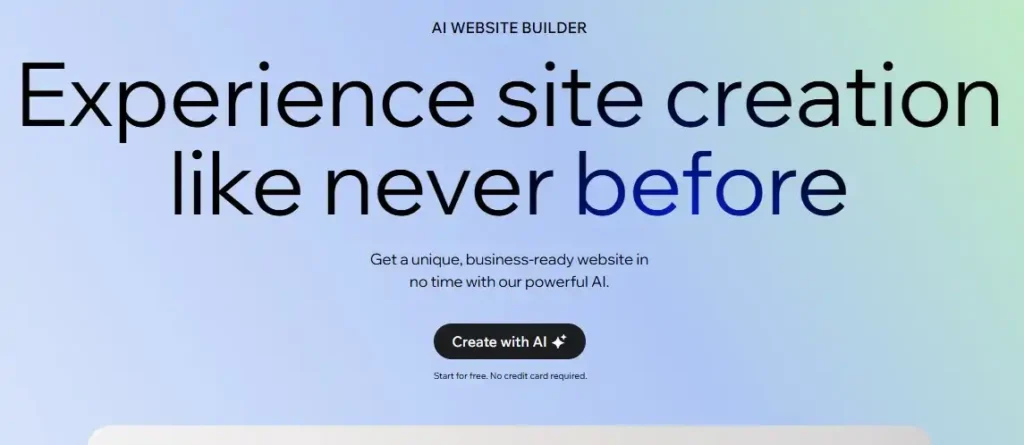
Wix stands out as one of the top AI tools available to build websites combining creativity, ease of use, and smart automation. Its AI website builder creates a professional site. You just explain your idea, and Wix turns it into a functional website in no time.
There are more than 900 free templates to pick from across different industries like online shops or personal portfolios. The simple drag-and-drop tools allow anyone to design their site, without having to write any code.
Wix offers more than just great design. It provides tools to boost SEO automated email marketing, payment systems, and detailed analytics.
You can control everything through one dashboard making it a reliable and full-service option to grow your online business.
Framer
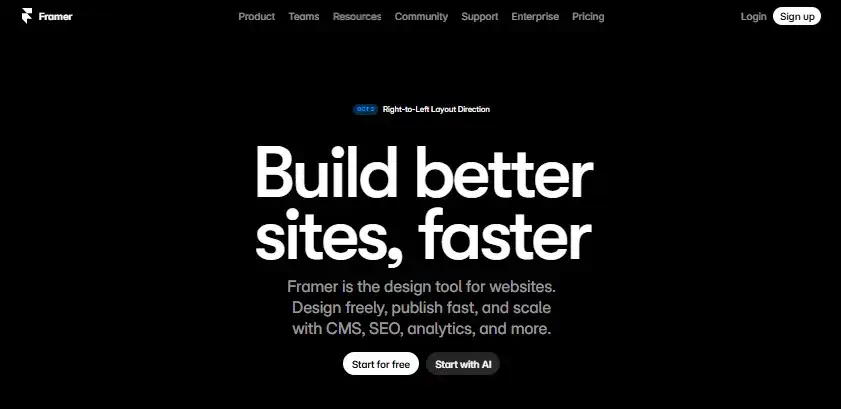
If you’re looking for the best AI tool to design websites, Framer accelerates web development and maintains flexibility. This platform allows you to design, collaborate, and launch without switching between applications.
Framer’s AI tools help you create site layouts and complex components eliminating the need to begin from nothing. The drag-and-drop interface allows designers to transform their concepts into reality, while maintaining full creative control.
Framer does more than just design. It provides SEO tools, analytics, and A/B testing capabilities to enhance your site’s effectiveness and track its progress.
Whether you’re working alone or with a large group, Framer simplifies the process of building, enhancing, and expanding your website.
Cursor

Cursor changes how developers create and structure software. It ranks among the top AI tools for web developers by combining smart code suggestions, team collaboration, and customizable models in a single interface built for ease of use.
Cursor works with top-notch integrations like OpenAI, Anthropic, Gemini, and xAI letting you pick the model that matches how you code. It scans your full codebase and gives accurate suggestions, completes your code, and manages tricky edits with just a few basic commands.
Big names like Stripe trust Cursor, and many experts in the field appreciate it. Cursor makes coding quicker, easier, and more fun turning it into a smarter process.
It’s more than just an assistant, it shapes the future of smart software development.
GitHub Copilot
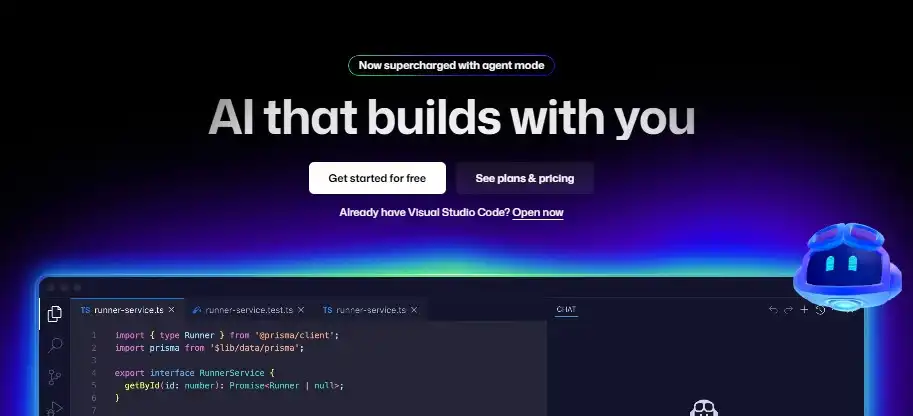
GitHub Copilot acts as a coding assistant that helps write, test, and run code. It stands out as one of the top AI tools used in web development. In agent mode, it examines projects, suggests edits, and checks results across files. This lets teams handle repetitive tasks more while keeping control of their work.
Copilot Chat lets you pick models like GPT-5, Claude, or Gemini. This selection offers both quick responses when speed matters and detailed ones for deeper needs.
Copilot Spaces groups your code, notes, and documents in one place to give custom answers. The Next Edit Suggestions feature helps maintain consistency in changes throughout a project.
From free to paid plans, Copilot fits both solo developers and large enterprise teams. It works with popular IDEs and supports workflows that produce ready-to-review pull requests. This boosts productivity for developers overall.
Replit
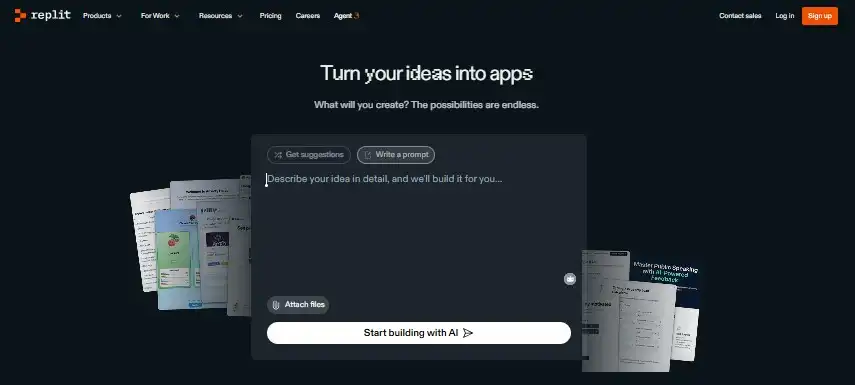
Replit stands out as a top-notch free AI tool designed to make web development simple. It allows anyone to turn their ideas into functional apps without hurdles. Whether you’re working alone or as part of an organization, Replit helps you craft, improve, and perfect your software just by using plain language.
Its powerful AI Agent lets you explain the app you imagine, and it takes care of coding, testing, and making improvements all on its own.
The Agent also corrects its errors and works with platforms like Figma, Stripe, and OpenAI to make your workflow quicker and smarter.
Replit trusted by developers and companies worldwide, lets you create, automate, and launch apps using a unified platform built to make work smarter.
Bolt
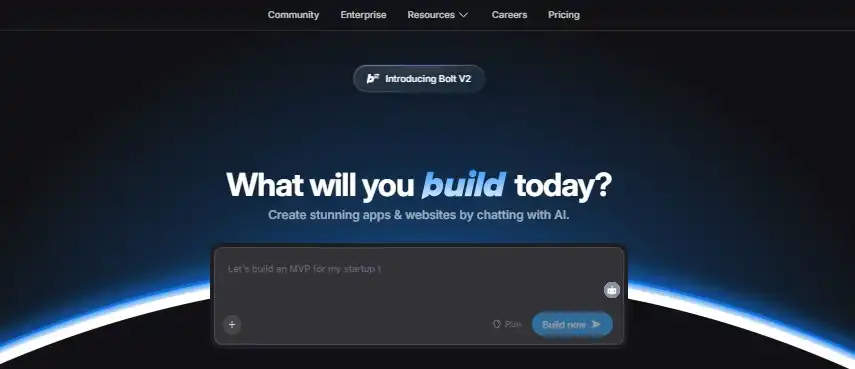
Bolt stands out as a powerful AI tool for web development. It allows teams, developers, and creators to build complete apps and websites by chatting with AI. You can start fresh or bring in work from Figma or GitHub, and Bolt transforms concepts into real functional products with ease.
Equipped with coding agents, Bolt tests, rewrites, and enhances your code . It reduces mistakes by as much as 98%.
It can also manage large detailed projects without a hitch, while preserving your branding and design systems along the way.
Bolt Cloud covers everything you need in one place, from hosting and databases to SEO and analytics. Entrepreneurs, agencies, and students can turn to Bolt to create fast and smooth websites that pack a lot of power.
Dora AI
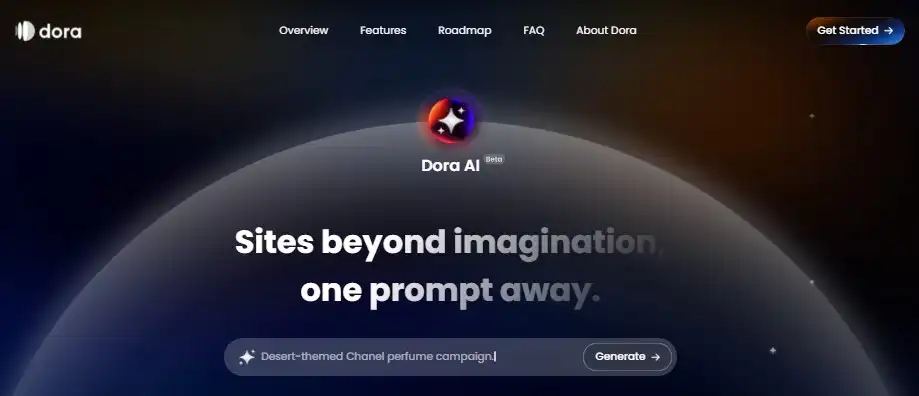
Dora AI stands out as a free AI tool to create websites making the entire build process simple by turning a single prompt into a responsive website. It helps you take your idea and handles everything from creating images and writing content to designing layouts.
Unlike old-school site builders, Dora AI skips using templates and stock photos. It focuses on designs tailored to your prompt.
You can tweak the designs to fit your brand so every website looks both original and professional.
Dora AI offers tools like smart layout design, content tied to prompts, and plans to support 3D assets and animations later. It works well for creators looking to build fast creative operational websites without needing to code.
Qodo
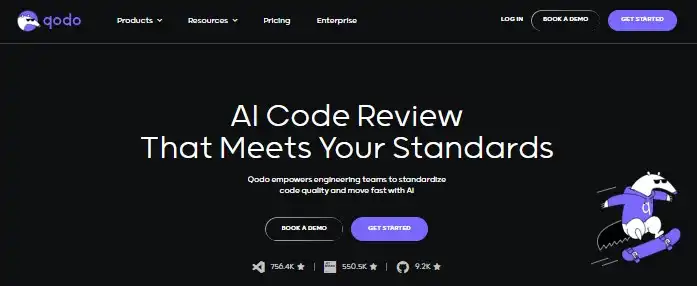
Qodo helps engineering teams speed up while keeping great code quality. This AI tool improves web development by creating uniform coding practices throughout an organization. It keeps things consistent during development, pull requests, and CI/CD workflows.
With Qodo agents built right into your IDE, terminal, and Git tools, you gain smart code suggestions, auto-generated tests, and detailed code review feedback.
This AI grasps multi-repository projects, spots bugs, and assists developers in creating dependable and easy-to-maintain software faster.
Thousands of developers depend on Qodo to work smarter, minimize mistakes, and stick to proven coding methods. It streamlines repetitive tasks, boosts code coverage, and gives teams the ability to craft secure top-notch software without worry.
Lovable
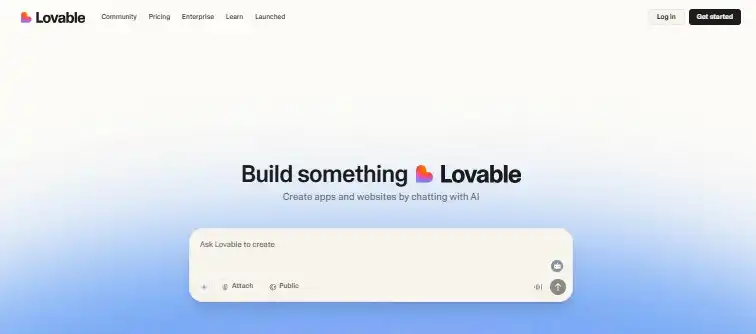
Lovable works as a flexible AI tool that lets developers create debug, and enhance software . Many consider it one of the top AI tools to use when working on web programming projects. It provides two core modes, Agent Mode and Chat Mode, each tailored to meet specific coding requirements.
Agent Mode operates. It looks through your codebase, repairs issues, cleans up and refines code, generates visuals, or fetches documentation as you’re working.
It helps cut down on mistakes and tedious work freeing developers to focus on solving creative challenges while the tool manages repetitive and technical tasks.
Chat Mode helps with conversations and works great to plan debug, and understand your code. It takes you through steps to add features, improve database designs, or fix problems in an effective way.
By using Lovable’s modes together, you get a strong and flexible coding helper that fits right into the way modern developers work.
Applitools
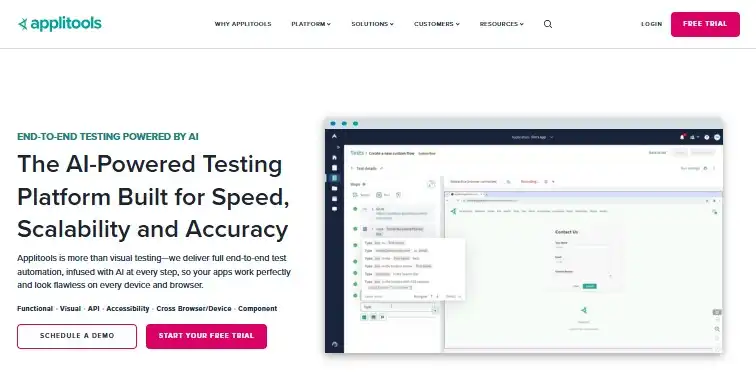
Applitools stands out as an excellent AI tool crafted for web development. It brings a smart way to handle testing and quality checks. Its automated testing uses AI to make sure apps not look great but also perform well on all devices, browsers, and platforms.
Using Applitools, teams build tests, expand their coverage, and cut down on the time needed to maintain them. Its Visual AI has the ability to review billions of user interfaces and find bugs or mismatches that manual checks often overlook.
Businesses gain hundreds of hours every month and grow more confident about their software releases.
Leading global brands rely on Applitools. It works with tools your team already uses, along with CI/CD pipelines and testing frameworks.
It covers everything from checking functionality and visuals to validating APIs and accessibility. This makes it a full-service option to create top-notch digital experiences.
FAQs: Top AI Tools to Aid Web Development
1. What are AI tools to assist web development?
AI tools to assist web development are programs that use artificial intelligence to help developers code, design, test, and improve websites and apps more and.
2. Are these tools easy to use for beginners?
Many AI tools are easy to navigate and include ready-made templates and clear instructions. These help anyone—from individuals to teams—create great websites with ease.
3. Can AI tools take over manual coding?
AI tools handle many repetitive or tricky jobs, but you still need to know basic coding to tweak, fix mistakes, or polish your work.
4. Do these AI tools cost money?
Many tools let you use a free version or trial, but some advanced parts might need a paid subscription. You can get started and test things out without spending anything.
5. What makes websites better with AI tools?
AI tools cut down mistakes, boost performance, improve design automate checks, and make scaling easier. This leads to quicker builds and more dependable sites.
Conclusion
The top AI tools to build websites have the potential to change how websites and apps come together. They help design layouts, write code, test, and fix bugs. These tools cut down on time, avoid mistakes, and boost how much you can get done.
If you’re an individual coder, a young business, or part of a bigger software group, using AI tools in your routine can make it easier to create polished and efficient websites. Try out these tools and find out how they can improve your work as a developer.